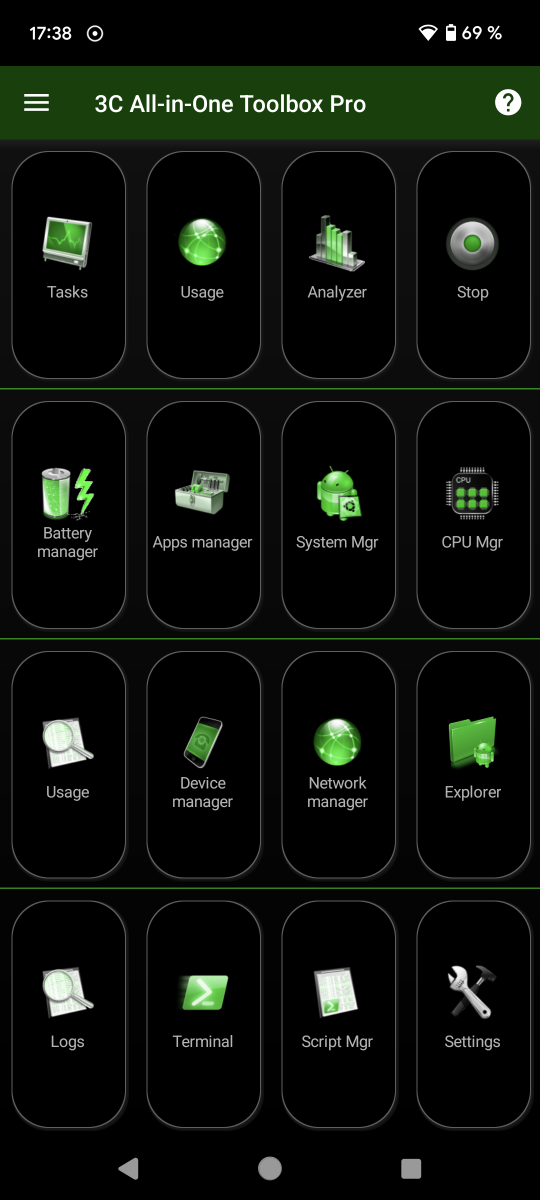
3C Toolbox Main Screen
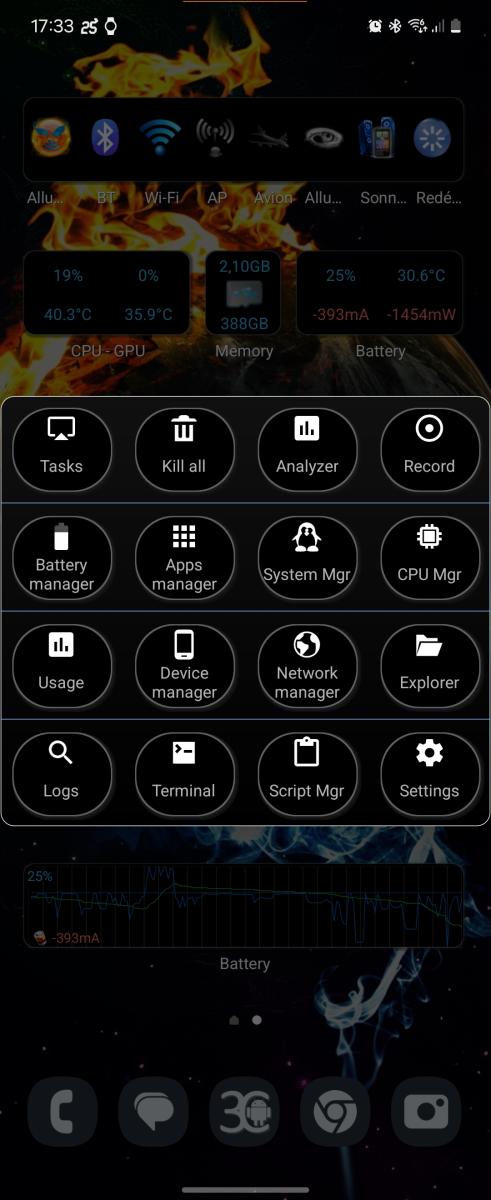 This screen is the main entry point to the application features. You can actually configure which buttons to show, up-to a maximum of 24 buttons (4x6).
To access all options for that screen, tap the settings button, UI, Main screen. Amongst the options available:
- Show as a popup window (see screenshot below).
- Text size
- Button theme
You can actually long-press a button to change its feature! To enable all rows, you need to go to main screen settings.
The screenshots on the right show the default button configuration upon installation, which includes the following activities:
- Task manager
- Analyzer and recorder control
- App manager
- System manager
- CPU manager
- App statistics (since unplugged)
- Battery manager
- File explorer
- Logcat, kmsg reader
- Terminal emulator
- Settings
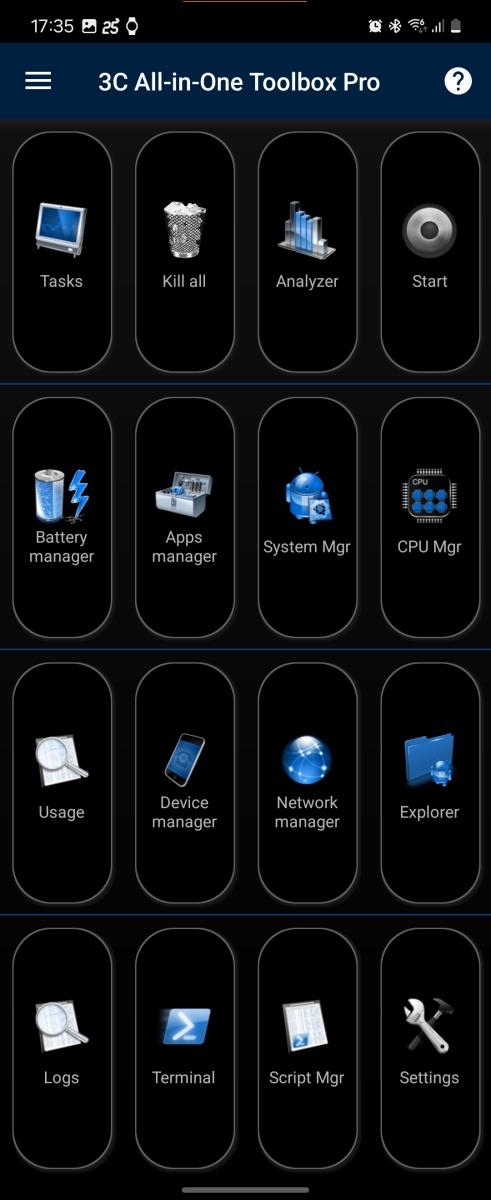
The buttons will use actual theme options.